

Medicare claiming
on HaltH
Medicare claiming built into HaltH payments for Australian allied health and medical practices. Submit eligible rebates alongside the patient payment, in the same flow.
Claim Medicare in-flow
Confirm the patient’s Medicare details, any referral and the eligible MBS item, then submit the rebate alongside payment. Correct details help avoid preventable rejections; claim acceptance and payment remain subject to Medicare’s requirements.
- Confirm Medicare details and referral requirements
- Select the eligible MBS item and take payment
- Submit the claim in the same HaltH flow
On the go, or
inside your PMS
Bring payments and eligible Medicare claiming into your existing practice workflow, on HaltH Tap or with HaltH Extend inside a supported PMS. Contact us to confirm your practice’s setup.
HaltH Tap
Claim on the go
Bring payment and eligible rebate submission together on your phone or tablet, at the desk, in the treatment room or on a home visit. Confirm the patient’s Medicare details and eligible service before submitting the claim.
See HaltH TapHaltH Extend
Claim inside your PMS
HaltH Extend brings payments and claiming into the practice management software you already run. Keep eligible Medicare rebate submission connected to the patient’s record in a supported PMS, rather than a separate payment workflow.
See HaltH Extend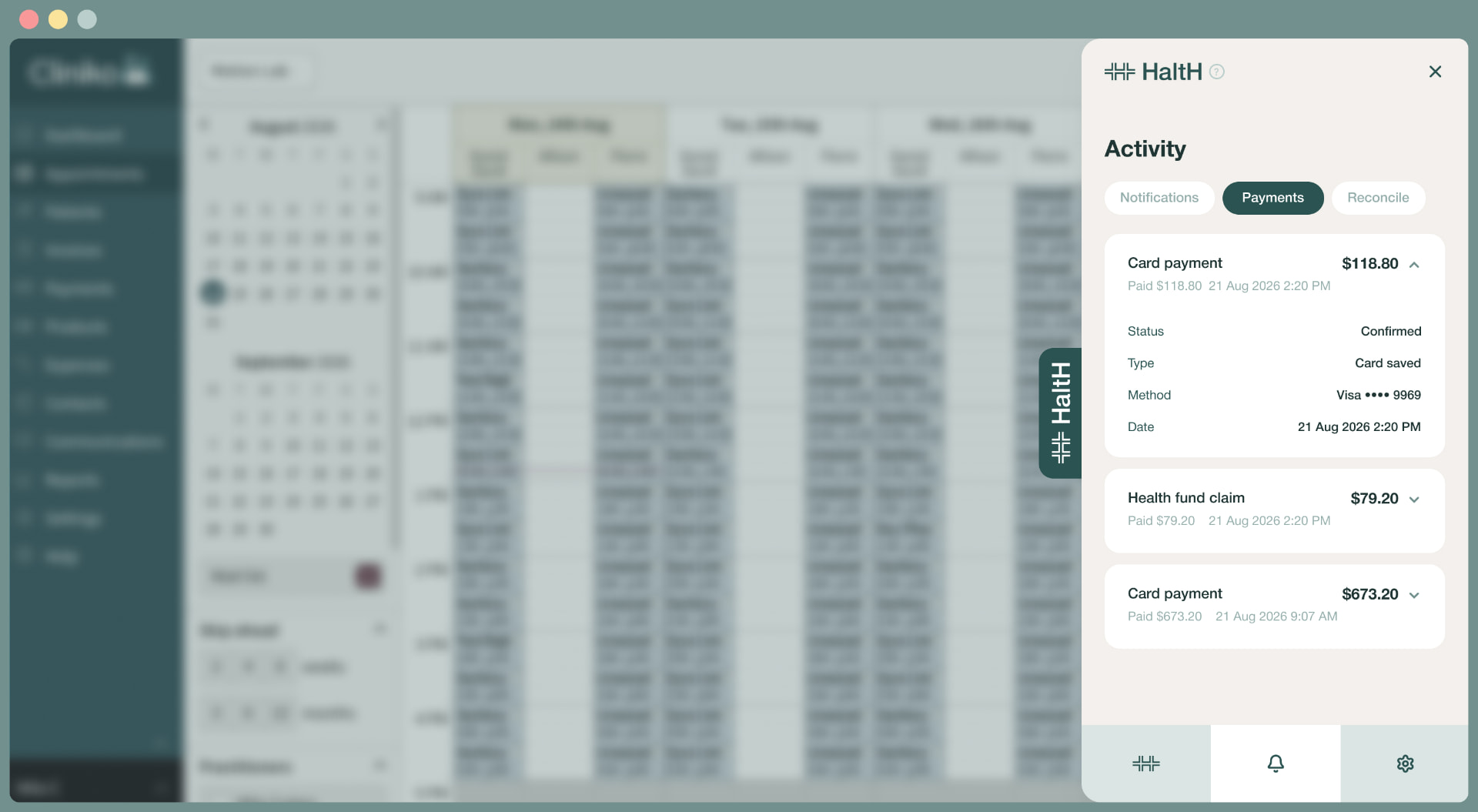

Medicare + DVA +
Private Health Insurance.
On HaltH.
Connected health funding, payments and claims for Australian practices — with less switching between systems for eligible patient care.